
Product Recommendations
C.Scale recommends real products, each with its own EPD, for the generic materials in your design. Use these recommendations to find lower-carbon alternatives and to replace a generic material with a specific product.
To see recommendations, turn on Detailed Design for a category and open its configurator. Select a material in the table. The right-hand panel shows the material's data and a set of Product Suggestions.
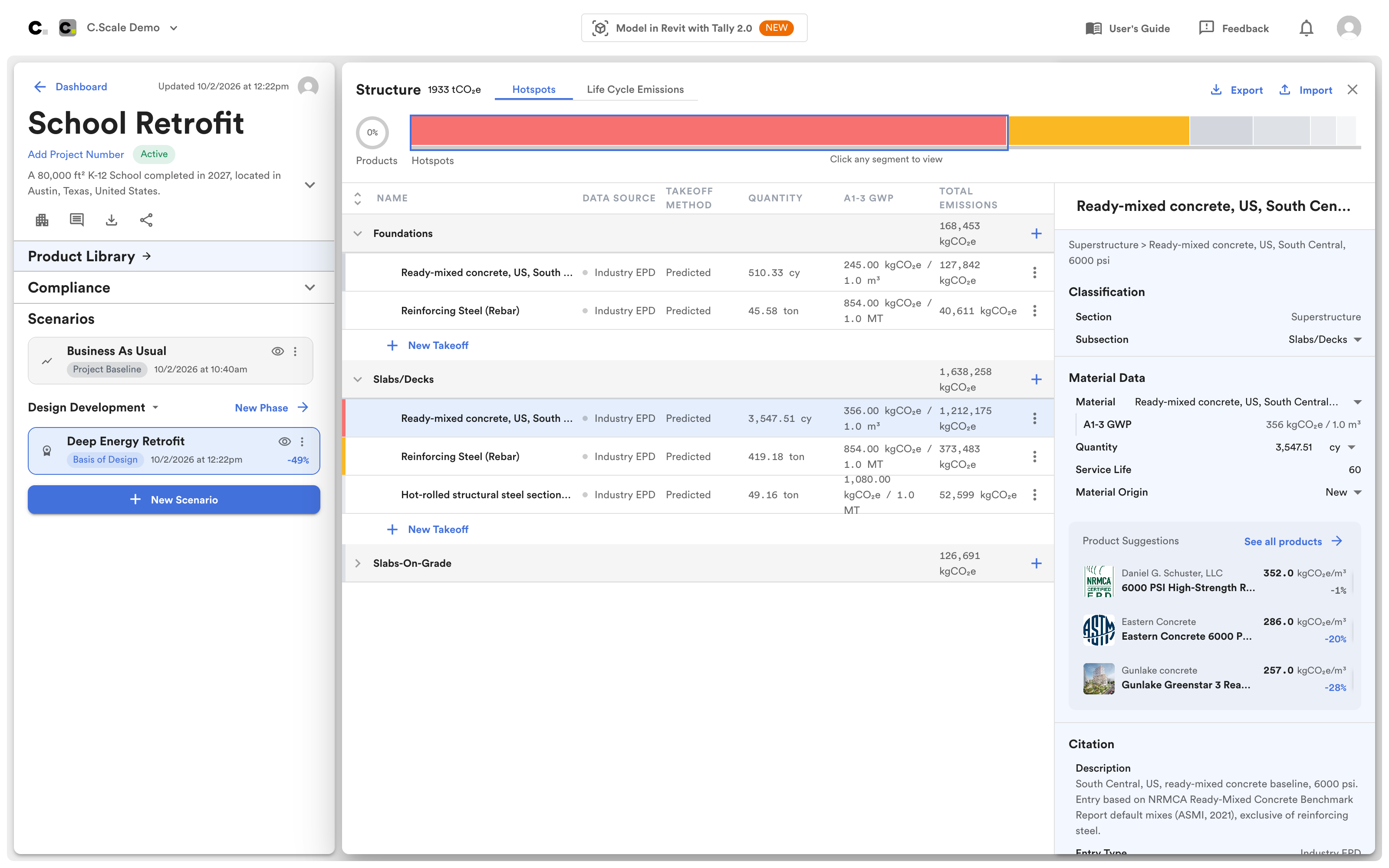
Structure configurator with a ready-mixed concrete selected and its product suggestions in the right-hand panel.
Product Suggestions lists up to three products that match the material's category and properties, such as concrete strength class. Each one shows its A1–A3 GWP and the percentage change from the generic material.
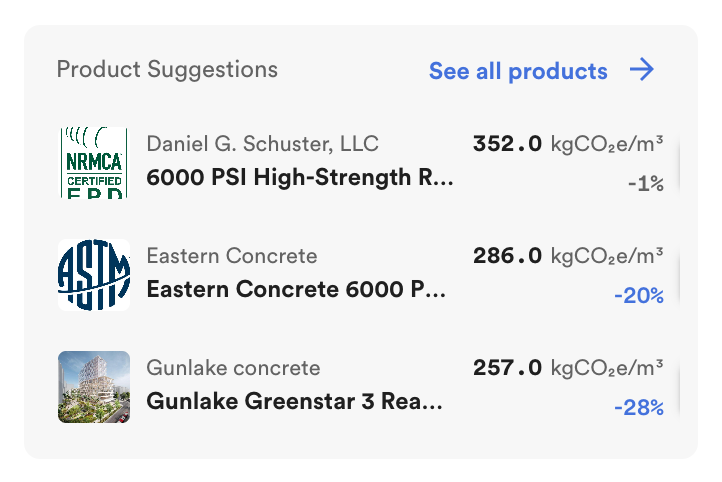
Product suggestions for a ready-mixed concrete.
Click See all products to open the product library for that material. The library opens filtered to the material's category and properties, and to products with a GWP at or below the generic material's. You can change the filters, search by name or manufacturer, filter by facility location, and limit results to EPDs that are valid through the project's completion. Click Compare on products to see them side by side.
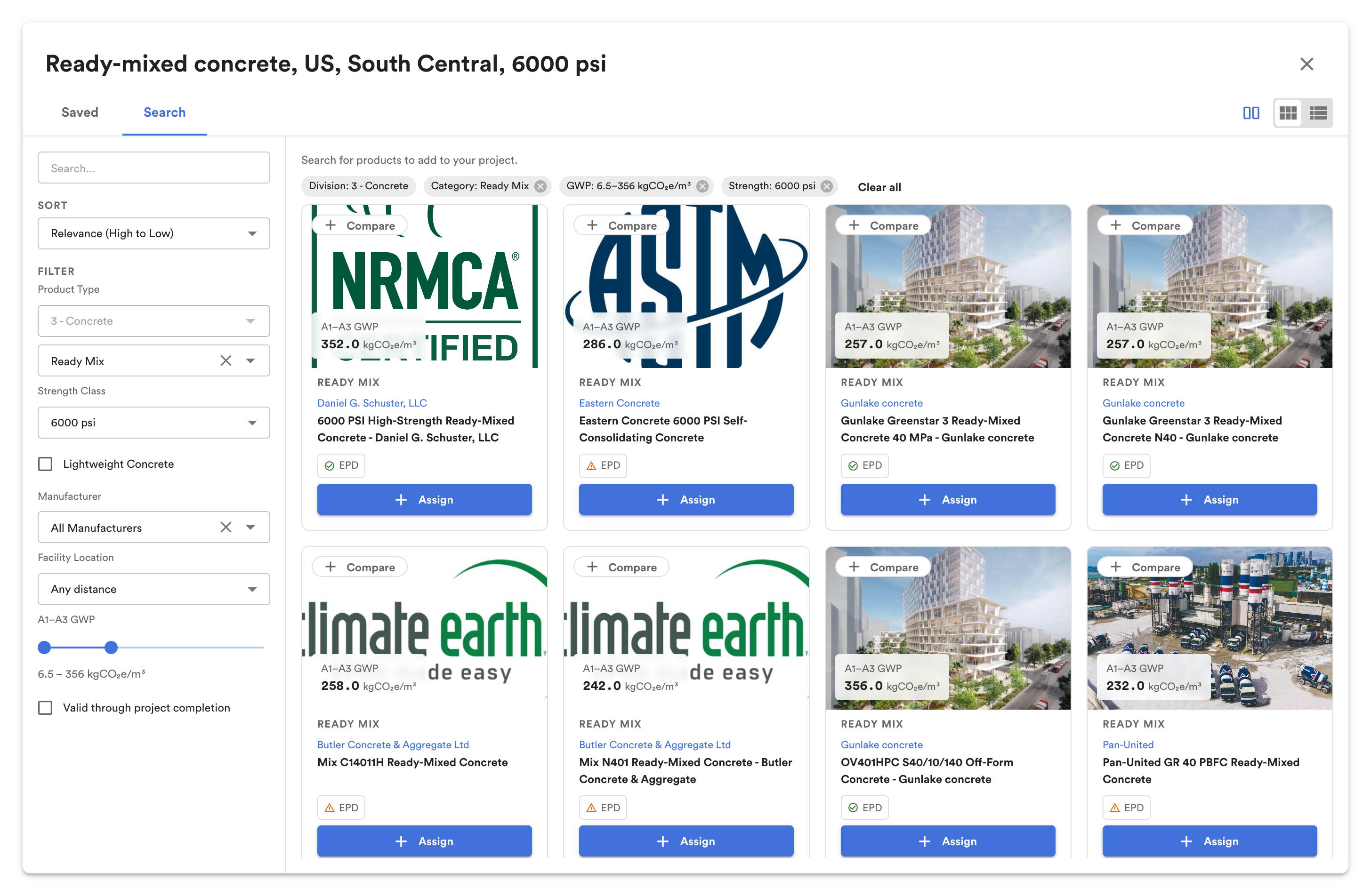
The product library, filtered to products that can replace the selected material.
Click Assign to use a product for that material. C.Scale then calculates the material's emissions from the product's EPD instead of the generic material.