
Set a Baseline
C.Scale assesses the efficacy of carbon reduction measures in relative terms as a reduction in emissions from a baseline scenario. C.Scale determines the baseline from conservative assumptions representing a project in which no efforts have been made to reduce carbon emissions. The baseline provides a reference point for evaluating carbon reduction measures.
- Baseline scenarios are fully customizable.
- Baseline scenarios can be configured as new construction, renovation or a combination of both.
- Baseline scenarios can be configured to align with code.
- Baseline scenarios are flexible, and any scenario can be tagged as the baseline.
Refining the Baseline
Section titled “Refining the Baseline”In the left-hand panel, select the scenario tagged "Project Baseline".
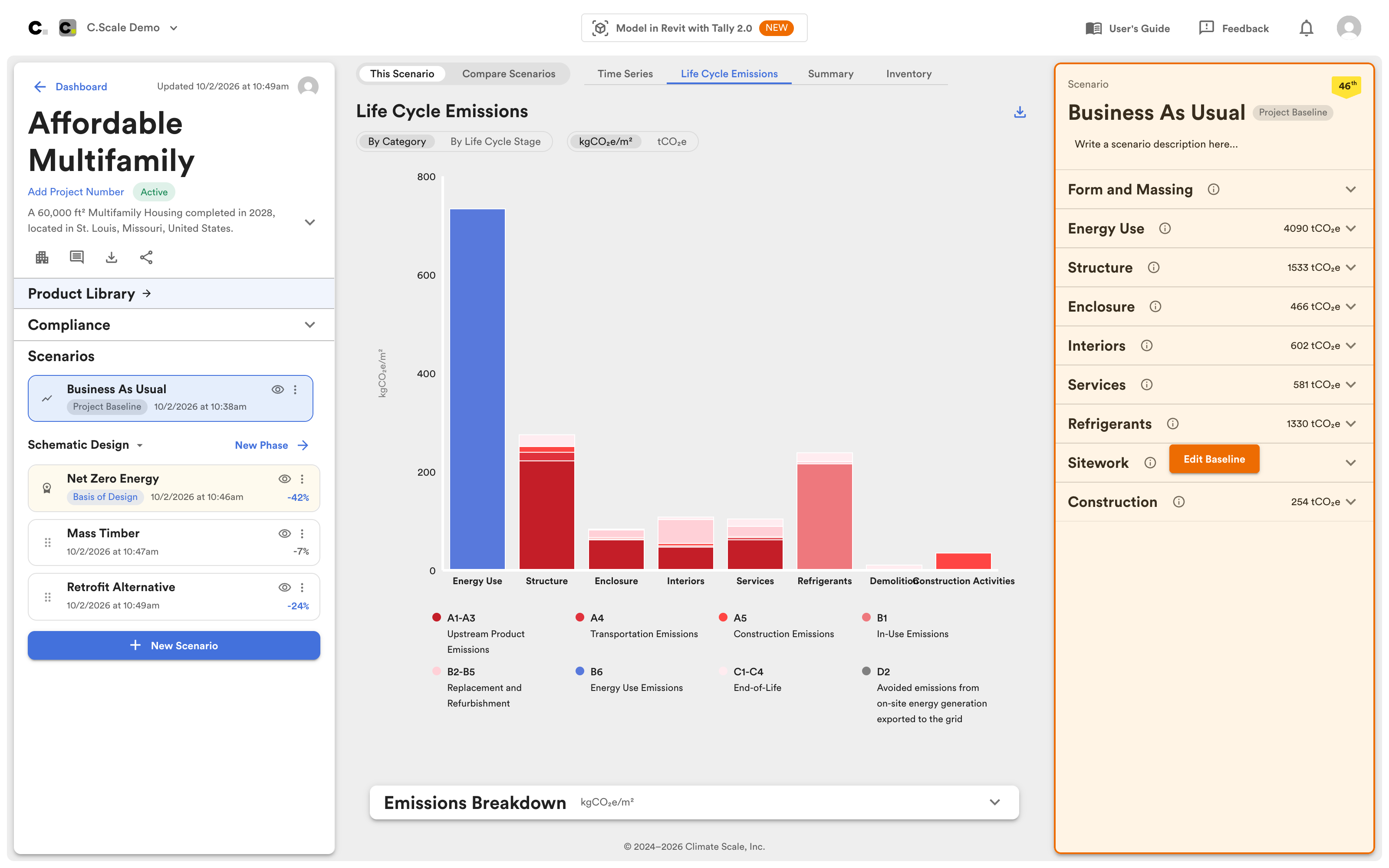
Baseline scenario selected in the left-hand panel.
After selecting the baseline scenario in the left-hand panel, click Edit Baseline in the right-hand panel and the following warning is displayed. The warning serves as a reminder that you are editing the baseline, which is used as the reference for all other scenarios.
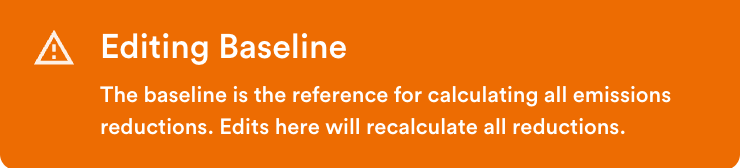
Warning that the baseline is being edited.
The baseline can be refined using the Carbon Reduction Measures in the right-hand panel.
Setting Another Scenario as the Baseline
Section titled “Setting Another Scenario as the Baseline”Any scenario within the project can be set as the baseline, and serve as the reference point for the project. To set another scenario as the baseline, click the 3-dot menu to the right of the scenario name in the left-hand panel.

Click the 3-dot menu to set another scenario as the baseline.
Within the menu, click Set as Baseline to set another scenario as the reference for comparison.
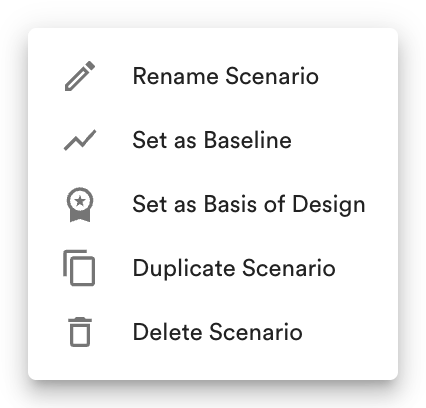
Set any scenario as the baseline.
Analyzing the Baseline
Section titled “Analyzing the Baseline”With the baseline scenario selected in the left-hand panel, analyze it using the following charts: